



 ### A console that actually takes input
Not a log tail, and not a shell *next to* your process — the process's own
stdin. Type `stop` into a game server and the game server sees it. Copy and
paste work like they do in a terminal.
### A console that actually takes input
Not a log tail, and not a shell *next to* your process — the process's own
stdin. Type `stop` into a game server and the game server sees it. Copy and
paste work like they do in a terminal.
 ### Per-host metrics and inventory
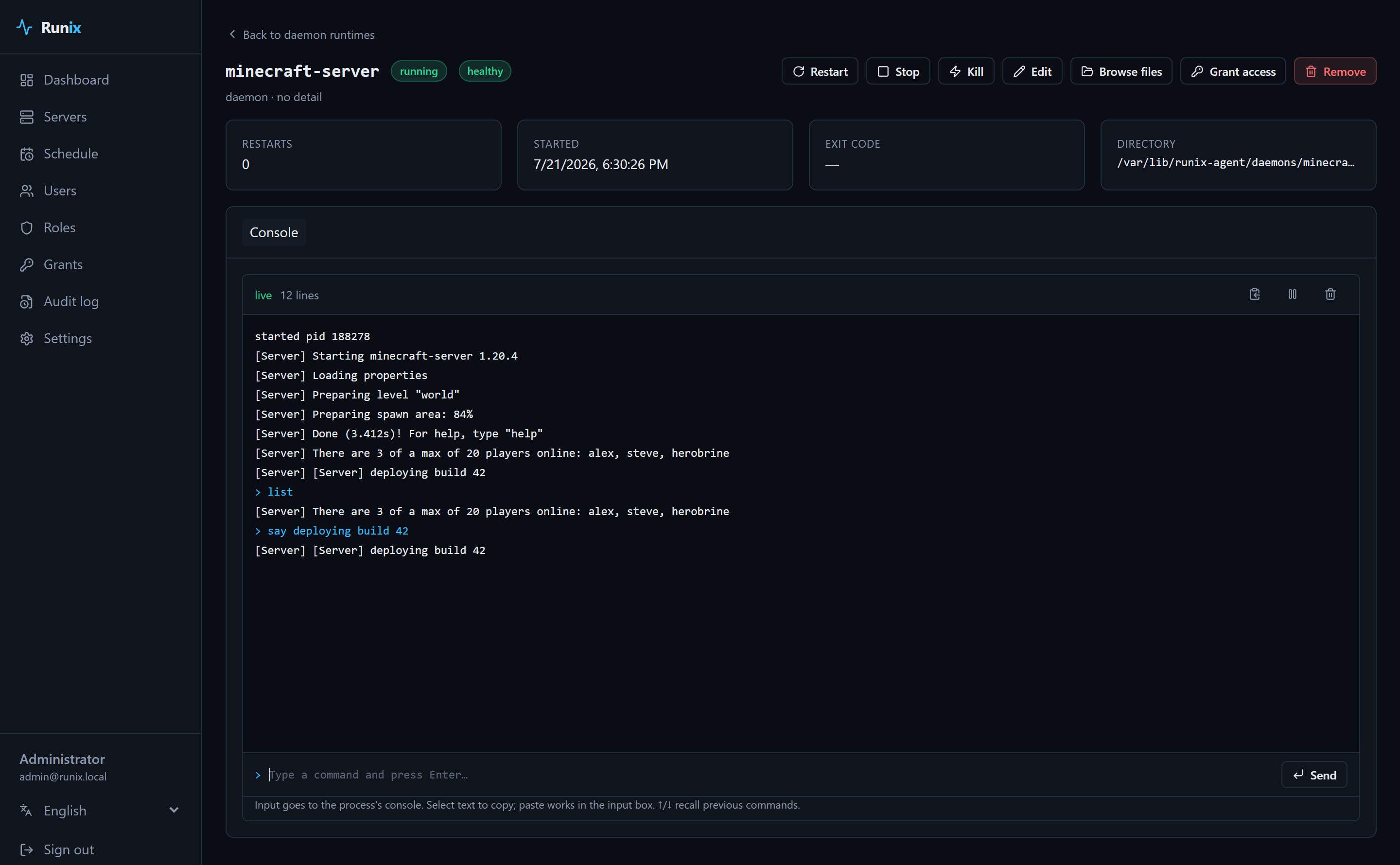
CPU, memory, disk and load, live and historical, plus the hardware and OS
details the agent reports on every heartbeat.
### Per-host metrics and inventory
CPU, memory, disk and load, live and historical, plus the hardware and OS
details the agent reports on every heartbeat.
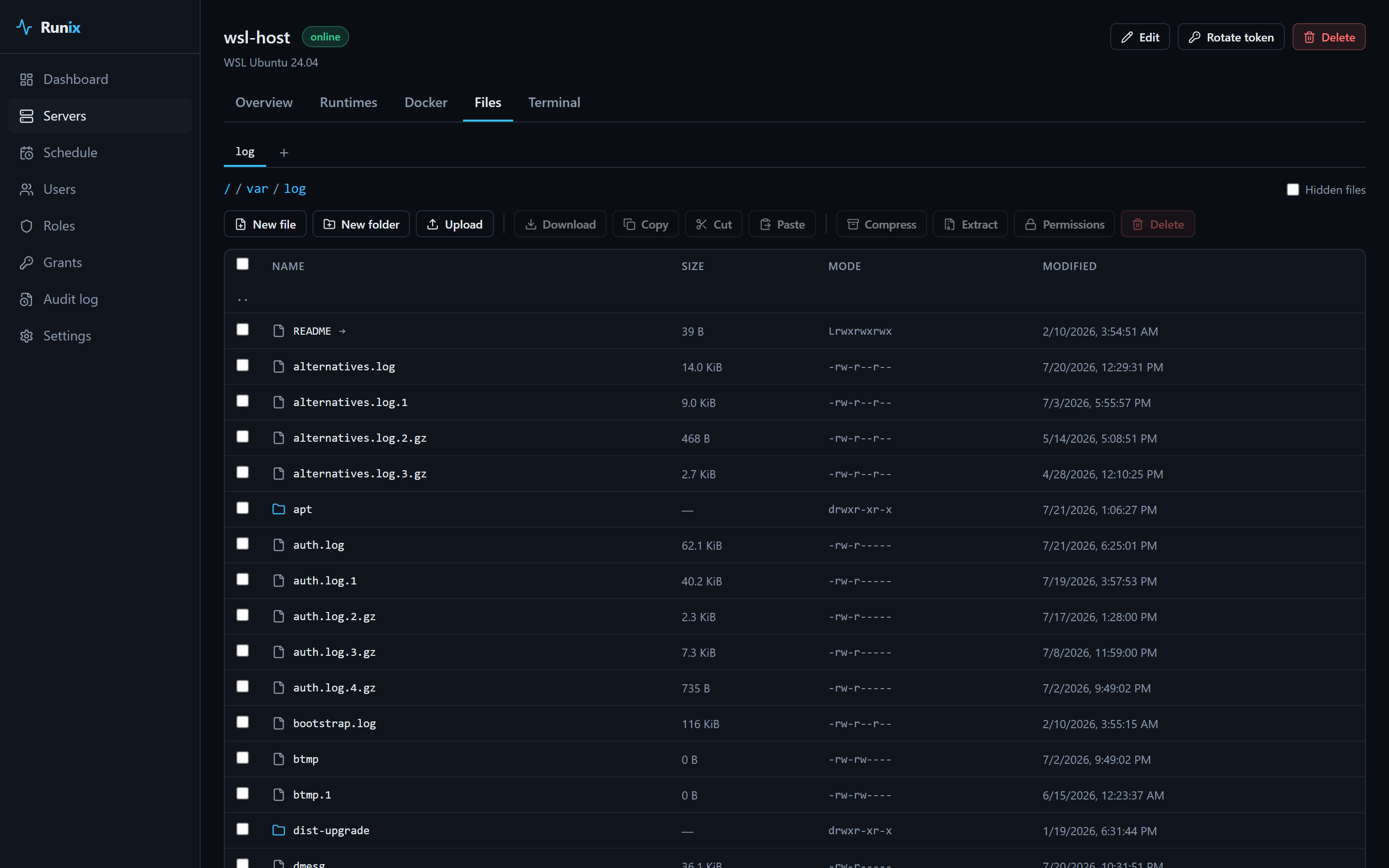
 ### A real file manager
Browse, edit with syntax highlighting, upload by drag-and-drop, download whole
directories as `tar.gz`, create archives, change permissions — with tabs, a
right-click context menu, sorting, search and multi-select. Transfers stream
frame by frame, so a large file is never buffered in the control plane's
memory.
### A real file manager
Browse, edit with syntax highlighting, upload by drag-and-drop, download whole
directories as `tar.gz`, create archives, change permissions — with tabs, a
right-click context menu, sorting, search and multi-select. Transfers stream
frame by frame, so a large file is never buffered in the control plane's
memory.
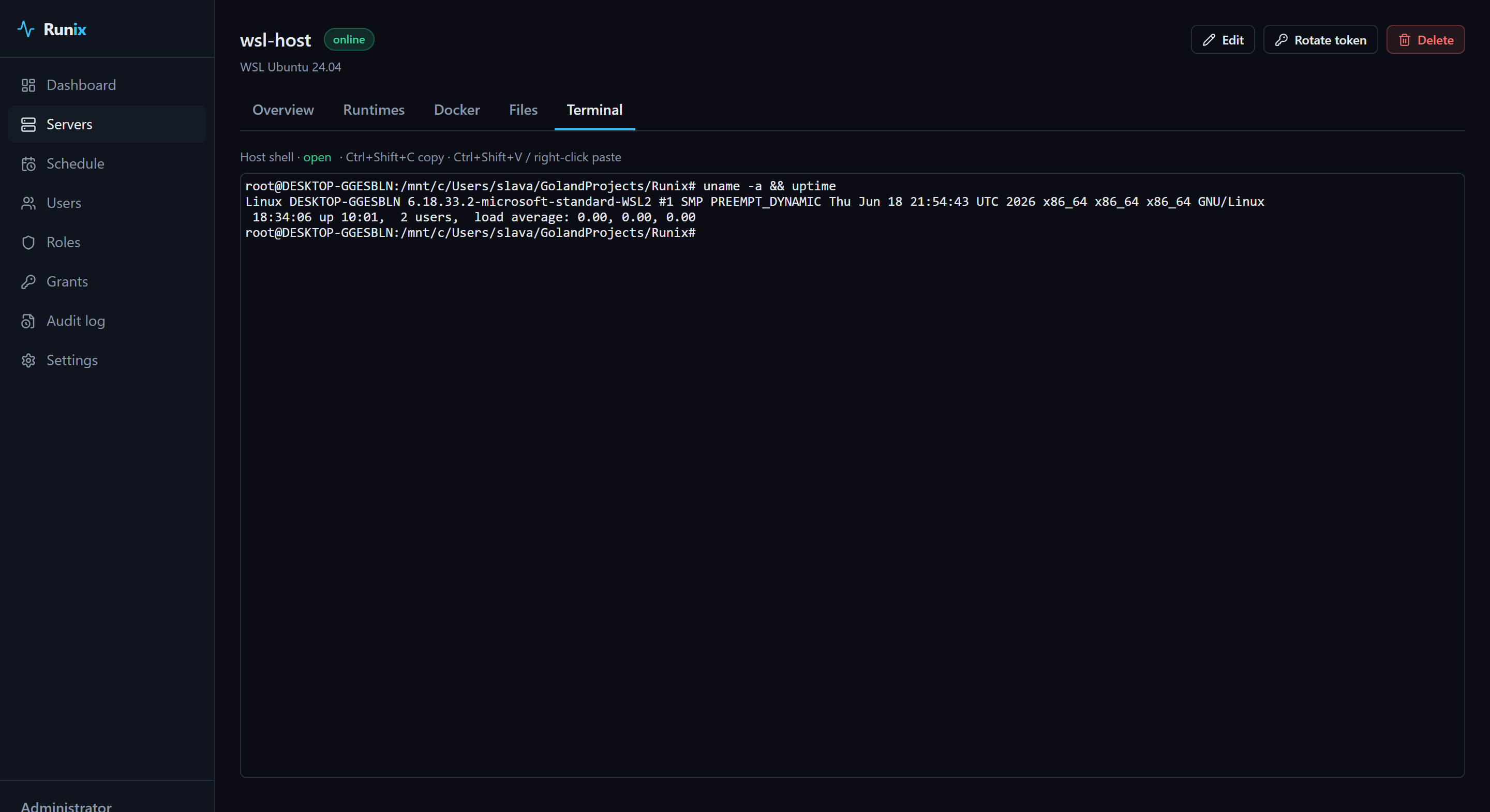
 ### Terminals, into the host or into a container
A real PTY on the host, or a shell inside a running container, over the same
outbound connection the agent already holds open. Sessions survive a page
reload.
### Terminals, into the host or into a container
A real PTY on the host, or a shell inside a running container, over the same
outbound connection the agent already holds open. Sessions survive a page
reload.
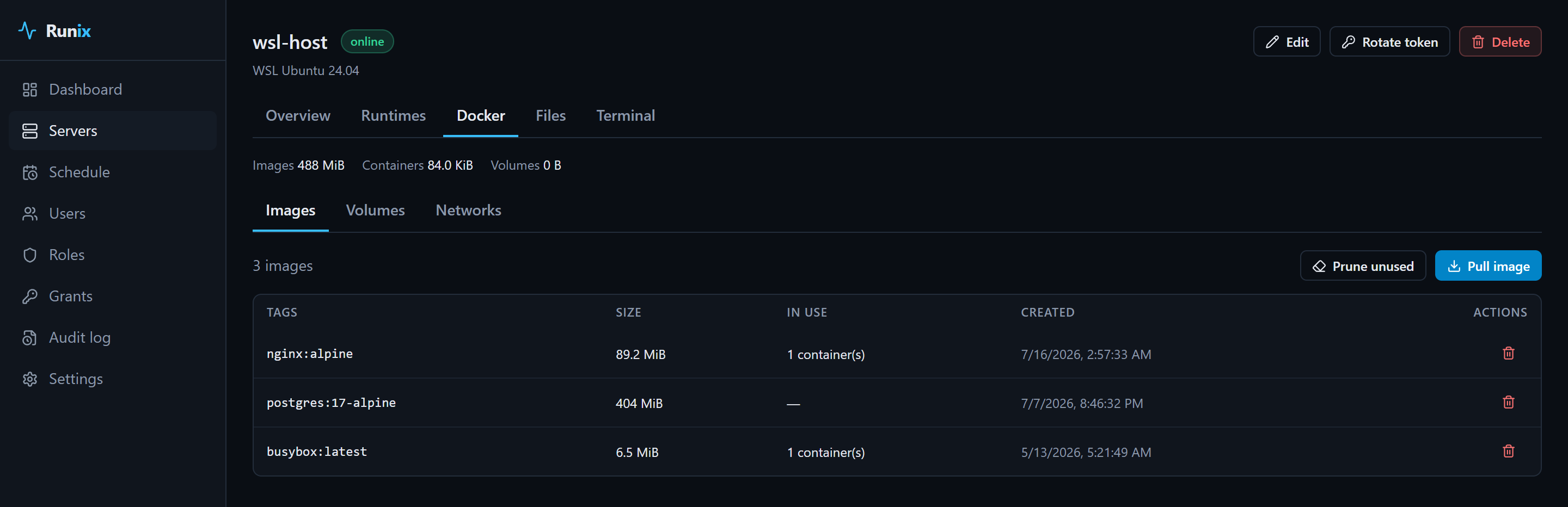
 ### Docker, beyond containers
Images, volumes and networks with disk usage and pruning — because they aren't
runtimes and pretending otherwise would have bent the model out of shape.
### Docker, beyond containers
Images, volumes and networks with disk usage and pruning — because they aren't
runtimes and pretending otherwise would have bent the model out of shape.
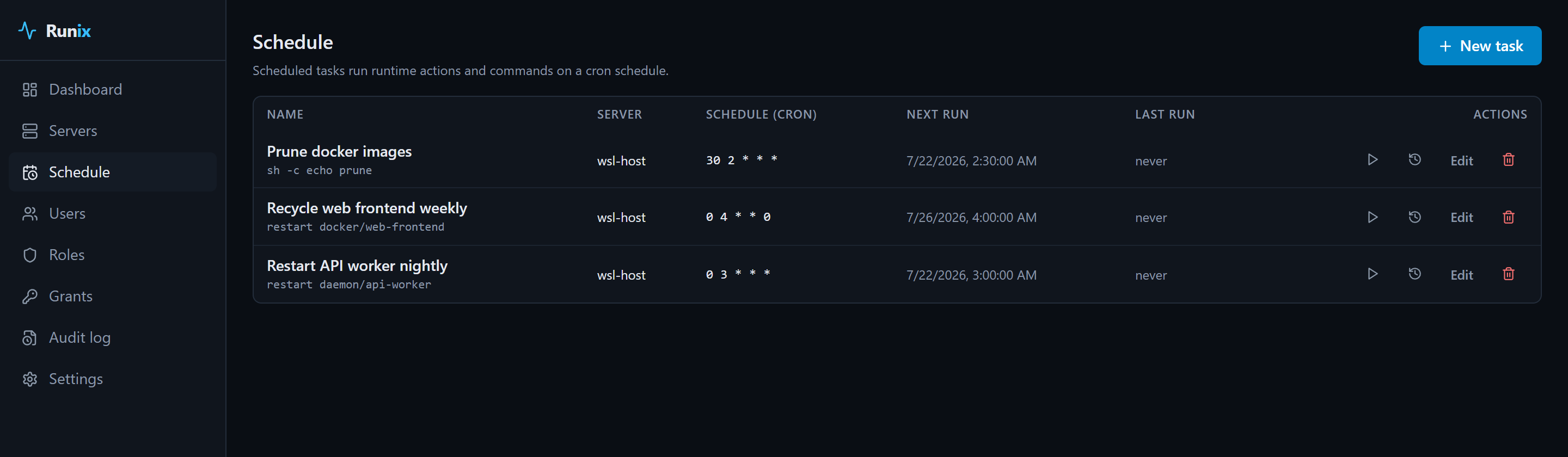
 ### Scheduling, with a cron engine of its own
Restart something nightly, run a command weekly. Multiple control-plane
instances can share a database without ever double-running a task.
### Scheduling, with a cron engine of its own
Restart something nightly, run a command weekly. Multiple control-plane
instances can share a database without ever double-running a task.
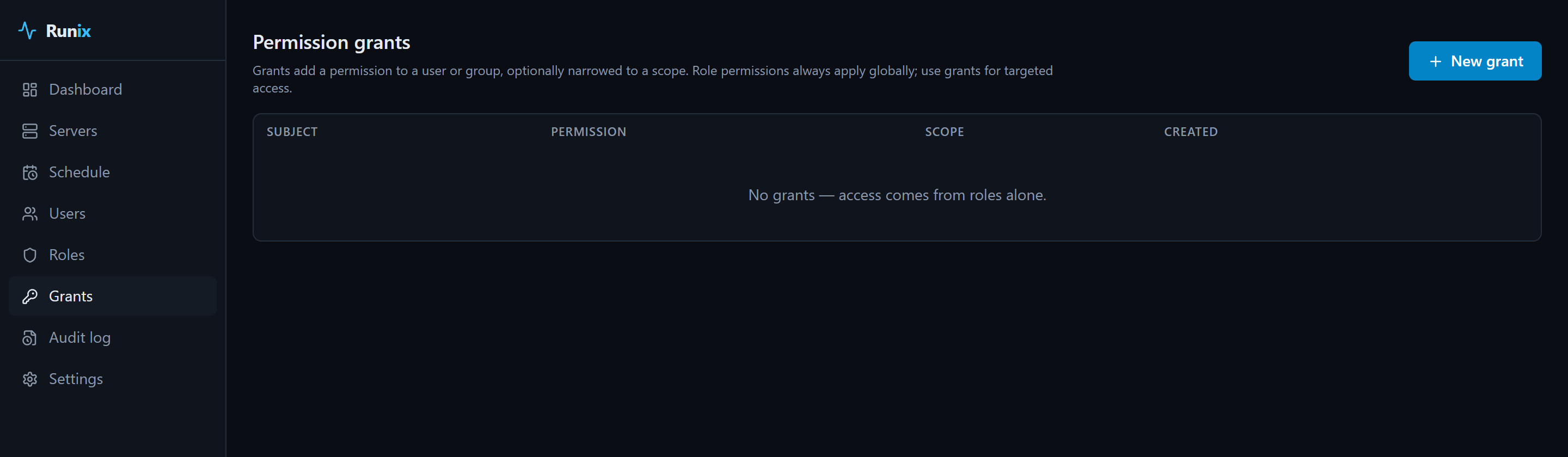
 ### Access control down to a single container
Grant a user, a role or a group access to the whole fleet, one server, or one
specific runtime on one specific host — including file access scoped to just
that runtime's directory. Everything is a dropdown; nothing asks you to paste
a UUID.
### Access control down to a single container
Grant a user, a role or a group access to the whole fleet, one server, or one
specific runtime on one specific host — including file access scoped to just
that runtime's directory. Everything is a dropdown; nothing asks you to paste
a UUID.
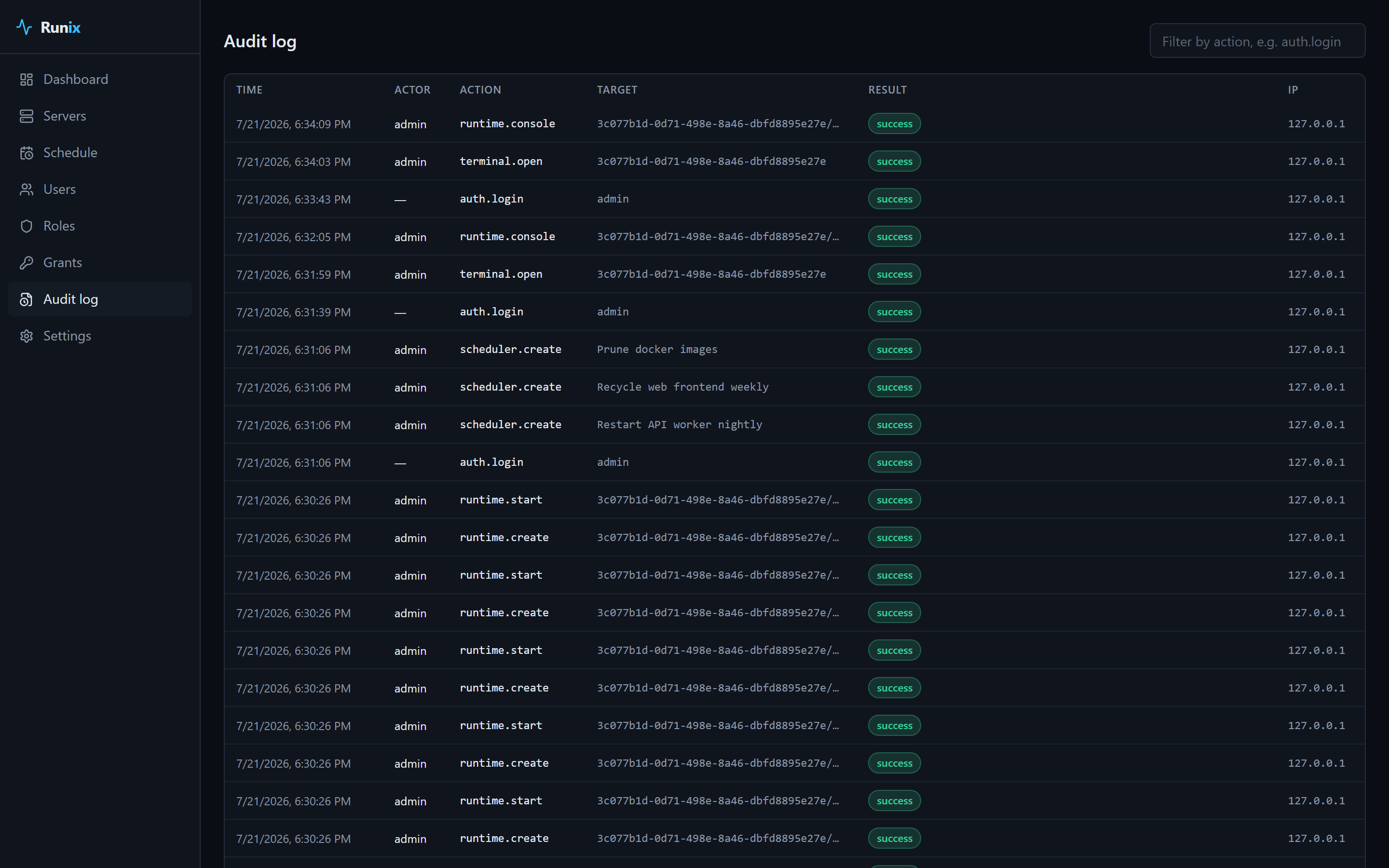
 ### Audit log
Who did what, to which resource, from which IP — recorded for every mutating
action.
### Audit log
Who did what, to which resource, from which IP — recorded for every mutating
action.
 ### And the rest
- **Auth** — argon2id, JWT with rotating refresh tokens and reuse detection,
TOTP MFA with recovery codes, personal access tokens
- **Backup/restore** of configuration, deliberately without secrets
- **Self-update** for the control plane and agents, refusing any download
without a matching checksum
- **Plugins** — external processes speaking line-delimited JSON on stdio can
register entirely new runtime types
- **English and Russian** UI
## How it works
```
Browser ──────► runix-server ──────► PostgreSQL
(control plane) Redis (optional, multi-instance)
▲
│ agents dial OUT over WebSocket
│ (one connection: RPC + byte streams)
┌─────────────┼─────────────┐
│ │ │
runix-agent runix-agent runix-agent
docker systemd daemons
```
- **Agents connect outbound.** Managed hosts need no open ports. One connection
multiplexes correlated RPC calls and byte streams (logs, terminals, file
transfers) at once.
- **The runtime abstraction is small on purpose.** A core interface every
provider implements, plus optional capability interfaces it opts into. The
capability set travels to the UI, which renders only the actions that exist —
so no button is ever a "not supported" error waiting to happen.
## Requirements
| | |
|---|---|
| **OS** | Linux, `amd64` or `arm64` |
| **Install** | root (the installer writes to `/opt` and `/etc/systemd/system`) |
| **Service manager** | systemd (optional — without it the installer prints how to run the binaries) |
| **Database** | PostgreSQL 17, provisioned in Docker for you or one you already run (control plane only) |
| **Docker** | Optional. Needed to provision PostgreSQL and to manage Docker runtimes |
Agents have no dependencies at all: one static binary.
## Configuration
Both binaries are configured by environment, read from `/opt/runix/etc/*.env`.
### And the rest
- **Auth** — argon2id, JWT with rotating refresh tokens and reuse detection,
TOTP MFA with recovery codes, personal access tokens
- **Backup/restore** of configuration, deliberately without secrets
- **Self-update** for the control plane and agents, refusing any download
without a matching checksum
- **Plugins** — external processes speaking line-delimited JSON on stdio can
register entirely new runtime types
- **English and Russian** UI
## How it works
```
Browser ──────► runix-server ──────► PostgreSQL
(control plane) Redis (optional, multi-instance)
▲
│ agents dial OUT over WebSocket
│ (one connection: RPC + byte streams)
┌─────────────┼─────────────┐
│ │ │
runix-agent runix-agent runix-agent
docker systemd daemons
```
- **Agents connect outbound.** Managed hosts need no open ports. One connection
multiplexes correlated RPC calls and byte streams (logs, terminals, file
transfers) at once.
- **The runtime abstraction is small on purpose.** A core interface every
provider implements, plus optional capability interfaces it opts into. The
capability set travels to the UI, which renders only the actions that exist —
so no button is ever a "not supported" error waiting to happen.
## Requirements
| | |
|---|---|
| **OS** | Linux, `amd64` or `arm64` |
| **Install** | root (the installer writes to `/opt` and `/etc/systemd/system`) |
| **Service manager** | systemd (optional — without it the installer prints how to run the binaries) |
| **Database** | PostgreSQL 17, provisioned in Docker for you or one you already run (control plane only) |
| **Docker** | Optional. Needed to provision PostgreSQL and to manage Docker runtimes |
Agents have no dependencies at all: one static binary.
## Configuration
Both binaries are configured by environment, read from `/opt/runix/etc/*.env`.
runix-server — the essentialsrunix-agent